

Used Robot Camera Records: Serial Number and Physical Port
2026-11-05
Used Robot Camera Records: Serial Number and Physical Port
A used robot listing may include a vision camera screenshot with several long identifiers. Copying the longest string into an inventory field can quietly change its meaning. In the RealSense SDK, a device serial number and Physical Port information answer different questions. One names a device-reported identity field; the other describes the port to which that device is connected. This distinction helps a buyer read an existing evidence pack without pretending that a software string establishes ownership, authenticity, or the condition of the complete robot.
Start with the camera information category
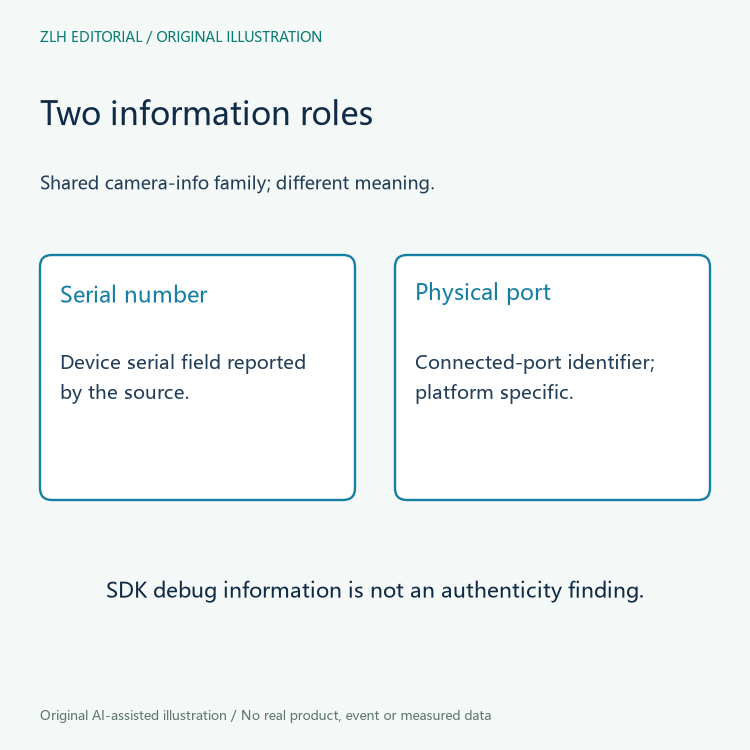
The official rs_sensor.h header defines a family of read-only camera information strings. Its introductory comment says that not every attribute is available on every camera type. It also describes this information as mainly intended for camera debugging and troubleshooting and warns against using it in applications. An inventory reviewer should preserve that scope. The discussion here concerns the interpretation of supplied documentation, rather than a proposal to build an asset identity system on these debug fields.
Within that enumeration, SERIAL_NUMBER is described as the device serial number. PHYSICAL_PORT is described as an identifier for the connected port, with a platform-specific qualification. Both belong to camera information, but their shared container does not make them interchangeable. A column headed identifier is therefore too vague to preserve the distinction when the evidence is summarized.
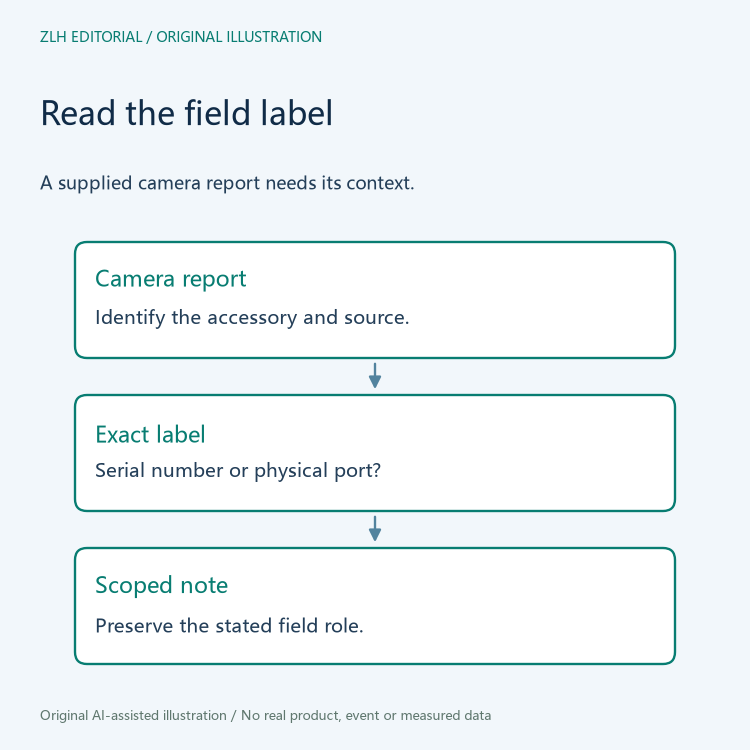
Read the serial field as a declared device attribute
A camera serial field in a supplied screenshot can be recorded as the value that the accompanying software reported under that label. The source label matters as much as the copied characters. The SDK also lists other identifiers, including an ASIC serial number and a firmware update identifier. Similar-looking strings in those rows should retain their own names. A reviewer should not combine all of them into a single serial-number column and then treat a difference between rows as a contradiction.
The field description alone does not prove that a camera is genuine, that its housing label agrees, or that a seller is entitled to transfer it. Those would require different evidence. It also says nothing by itself about the robot arm, controller, or tool mounted beside the camera. For a used vision accessory, keeping the camera object explicit prevents the whole machine from inheriting an identity statement that was only made about one component.
Read the physical port as connection context
The word port is the decisive part of PHYSICAL_PORT. The header ties the value to the port the device is connected to and explicitly makes its representation platform specific. Consequently, a supplied port string is connection context from the reporting environment. Its description does not establish a universal camera number that can be compared across every host, operating system, and transport arrangement.
Consider a fictional handover folder containing two camera reports. One lists a serial field and a physical-port field; the other lists only a serial field. This is a document completeness difference. It does not show that the second camera lacks a physical connection, and it does not justify filling its missing row with a port string copied from the first report. Likewise, matching port text in two documents is not enough to conclude that both documents describe the same physical camera.
Keep availability and formatting limits visible
The rs_device.h API reference reinforces the limited scope. Its information retrieval function returns a string in a format specific to the device model. Its support-checking function asks whether the requested information type exists and is well defined for that particular device. These descriptions explain why a reviewer cannot demand identical formatting or complete attribute coverage across an arbitrary mixed camera inventory.
A blank cell in a seller's table may mean that the author omitted the value, that the original report did not include it, or that the attribute was unavailable. The table alone cannot select among those explanations. A useful annotation is therefore precise: no value supplied under this field label. That wording describes the evidence without inventing a hardware limitation. Nothing in this reading exercise requires calling the SDK or interrogating a connected camera.
Write an inventory note that preserves both roles
A practical review note can keep four items together: the accessory being described, the exact information-field name, the supplied value, and the report context. For the fictional folder, a summary might state that the serial value comes from a camera information report and that the physical-port value records that report's host connection context. This is clearer than a single device ID entry because a later reviewer can see what each string was intended to describe.
Questions about supplied camera evidence belong alongside the site's robot equipment records and component reading notes. The useful result is a narrower, traceable statement about a document. Device-reported serial information and platform-specific port context remain separate, and neither becomes an unsupported claim about the sale as a whole.
Primary references: RealSense camera information enumeration and scope comments; RealSense device information and support-check reference.


